 BUSINESS

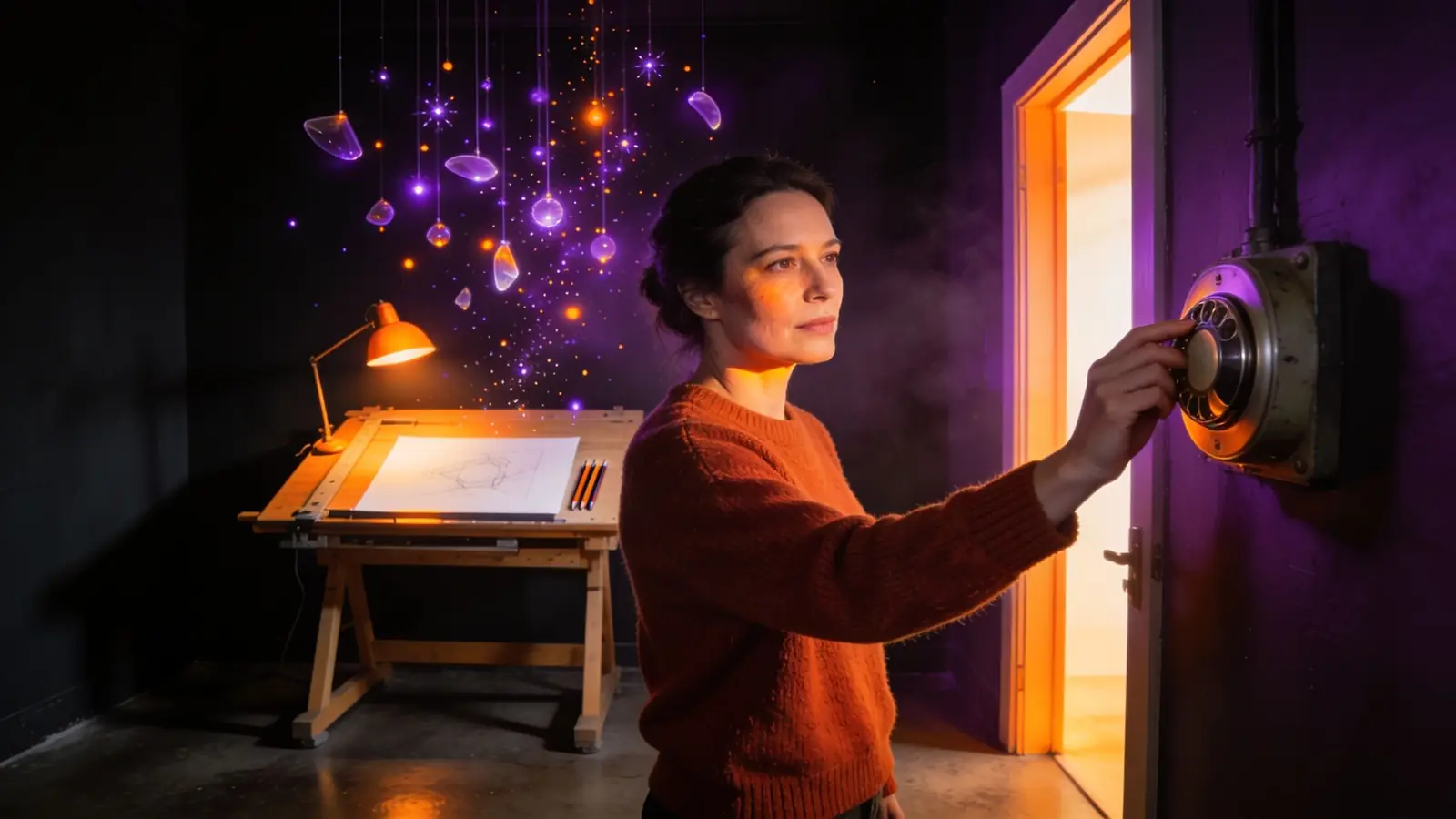
Canva Free and Canva Pro users can now turn off AI with a single switch that disables 21 generative features, including Magic Write, Magic Media and Canva AI. A new Canva Help Center page describes the setting, which is on by default and is rolling out gradually.
Key facts
- Canva Free and Canva Pro are getting a single “Enable generative AI features” switch, which is on by default, according to the Canva Help Center.
- Turning it off blocks 21 features, Canva says, including Canva AI, Magic Write, Magic Media, Image to Video and ads in Grow; Background Remover stays.
- In Canva Teams and Business, admins control access per feature; a second switch only partly hides AI templates in search.
Researched and written with AI, to Luigi's brief, positions and editorial rules. Automatically checked against the sources. How I work →
Canva is giving Canva Free and Canva Pro users a single switch to turn off generative AI features for their account, according to a new Canva Help Center article. The setting, called “Enable generative AI features”, sits in the profile menu under Settings, “Controls and permissions”, Permissions. The Verge also reported on the new settings.
The switch is on by default. Canva says it is rolling the setting out gradually, so it may not yet appear in every account. New generative features will follow whatever the user has chosen, the company said.
Which Canva AI features the switch turns off
Canva lists 21 features that can no longer be used once the switch is off. They include:
- the Canva AI assistant, Magic Write, Magic Design, Magic Edit and Magic Media,
- Dream Lab, Canva Code, Image to Video and AI music and sound effects,
- translating designs with Translate and creating ads in Grow.
Non-generative AI tools such as Background Remover stay available, Canva says. They can still use up a plan's AI allowance if Canva classes them as Standard, Premium or Ultra tools, according to the help page. If an account moves from Free or Pro to Canva Teams, Enterprise or Education, or back, the setting does not carry over.
A second switch filters AI templates in search
A second setting under “Your account”, “AI personalization” is meant to show fewer templates and elements that Canva has tagged as AI-generated. The help page says it only affects search results and recommendations on the homepage and in the editor, and some AI templates may still appear. The filter does not label anything as AI-generated, does not change existing designs and does not apply to Brand Templates, searches of a user's own uploads, Canva AI, third-party apps, or access through the API or an MCP server.
Canva Teams and Canva Business work differently. There, owners and admins decide per feature who may use it on a separate settings page. All Magic features are on for every member by default, Canva says. In Education accounts, students only get Magic Media, Dream Lab and Magic Insights by default, according to Canva.
Canva expanded its AI features sharply in April with Canva AI 2.0. For Black Friday it is also offering a discount on Pro that only lasts three months, as the analysis of the Canva offer shows.
Analysis
The switch is a concession to users who buy Canva as a layout tool rather than an image generator. It does not change the default, though: anyone who does nothing keeps all 21 features. With AI features that are on by default, teams should check the settings before AI output slips unnoticed into approved ad creative; the default resembles Proton Lumo's auto-approval for AI agents.
For marketing teams, what matters most is where the switch sits. In Free and Pro accounts each person decides, including freelancers and agencies working for a brand. Central control is only possible in Teams and Business accounts. A brand that wants no AI imagery in its communication should therefore put that rule in the brief rather than rely on other people's account settings. At burgerme, I deliberately kept AI-generated content out of the main brand's communication because trust mattered more than speed there.
The search filter helps only so much. It hides some tagged AI templates but labels nothing. Anyone who publishes AI images still has to handle any required disclosure themselves; the guide to AI marketing and the law sums up the obligations, and the guide to AI images for marketing covers the tools. Admins of Teams and Business accounts should check under “Magic and AI” which features the team actually needs and switch off the rest; on Free and Pro only the personal switch remains.
Got AI news? Submit news →
FAQ
How can AI be turned off in Canva?
On Canva Free and Pro, go to the profile icon, Settings, “Controls and permissions”, Permissions and turn off “Enable generative AI features”. Canva says the switch is rolling out gradually.
Which Canva features still work with AI turned off?
Canva says non-generative AI tools such as Background Remover stay available. Twenty-one generative features are blocked, including Magic Write, Magic Media, Dream Lab and Canva Code.
Can admins turn off AI in Canva for a team?
Yes. In Canva Teams and Canva Business, owners and admins decide per feature who may use it. Canva says all Magic features are on for everyone by default.
Source
Canva: Generative-KI-Funktionen deaktivieren und weniger KI-generierten Content sehen (Hilfecenter)
 DealSuperlist Black Friday: Super plan costs $99.50 in year one
 NewsEuropean Commission confirms AI-driven cyberattack on staff systems
 NewsAnthropic shares open at $111.50 in Nasdaq debut, 34% above IPO price