 BUSINESS
New tool · · 2 min read · Source: The Verge
ChatGPT Images 2.6: The image generator now makes animated GIFs
OpenAI rolled out its Images 2.6 model in ChatGPT and Codex on November 4, 2026. The headline feature: ChatGPT can now turn a text prompt or an uploaded photo into an animated GIF.
My tool tip · AdGranola – AI meeting notesTry it free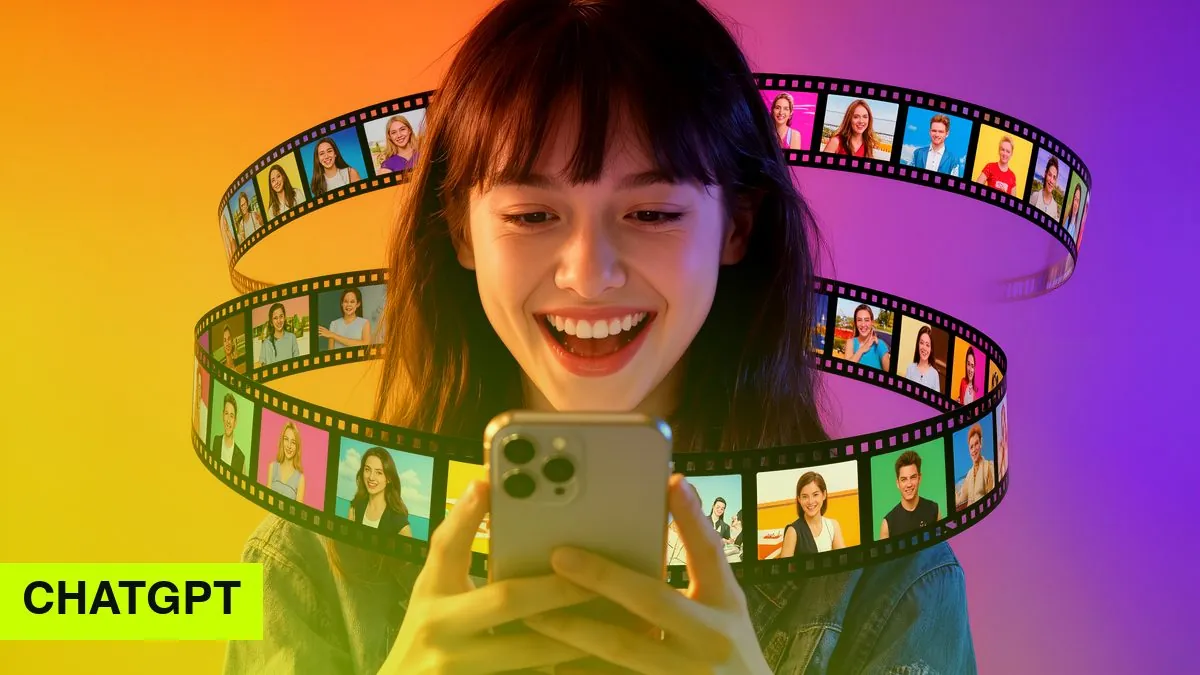
Key facts
- OpenAI launched its Images 2.6 model in ChatGPT and Codex on November 4, 2026.
- ChatGPT can now create animated GIFs from text or photos, with adjustable speed and editable frames.
- The feature is rolling out to all users on web, desktop and mobile; developers get two API variants.
What's new
- Animated GIFs: Describe the motion or upload a photo, and ChatGPT creates a series of slightly varied frames and loops them into a GIF.
- Editing: You can change the animation speed and ask for changes to individual frames.
- Availability: According to reports, the feature is rolling out to all ChatGPT and Codex users on web, desktop and mobile, so it may take a few days to reach your account.
- Speed: Images 2.6 is also meant to generate images faster overall (vendor claim; the reports give no exact figure).
For developers
The API offers two variants of the model: a faster, cheaper one for volume and one tuned for higher quality. OpenAI says users now create more than four billion images a week across ChatGPT and the API, a billion more than in September.
Why it matters at work
GIFs are small, play almost everywhere and need no video player: in emails, slide decks, Slack or Teams, and on social media. Until now you needed a separate tool or had to convert a video. For simple animations, like a wiggling icon, a rotating product or a short explainer loop, one sentence in a chat is now enough. For ads featuring real products, the usual caveat applies: AI images can get details wrong, and AI content should be labeled.
What this means for you
- Short animations for email, slides or social media can now be made right in the chat, no extra tool needed.
- The rollout is gradual, so not every account has it yet.
- Check product visuals carefully: AI animations can distort details.
How to use this
Start with something simple: upload a product or logo photo and ask for a short, calm GIF for your next newsletter. Check the file size and details before you send it.

Luigi's take
Animated GIFs sound like a toy, but in marketing they've been an underrated tool for years: a bit of motion in an email or on a slide catches the eye without anyone having to press play. Being able to make one with a single sentence in ChatGPT lowers the barrier a lot, especially for solo professionals without a designer.
My advice: use it to explain and set a mood, not to make promises. An animated product that doesn't look like the real thing costs trust. I deliberately label AI images on my website, and I'd do the same with GIFs. Also check the file size in your email tool: heavy GIFs slow down loading on phones.
Source
The Verge: OpenAI's ChatGPT can now make animated GIFs
More sources
- The Decoder – Bericht mit Details zu den API-Modellen
This article was researched and written with AI assistance. Responsible: Luigi Lugmayr.