 BUSINESS
KrispQuiet calls
The dog barks. Nobody on the call hears it.
Krisp sits between you and Zoom, Teams or Meet as a microphone and filters out background noise – on your side and everyone else’s. Plus AI meeting notes with no bot in the call.
Ad · 7 days, all features, no credit card · affiliate link, no extra cost to you
- Zoom, Teams, Meet & more
- No bot in the call
- Notes in 16 languages
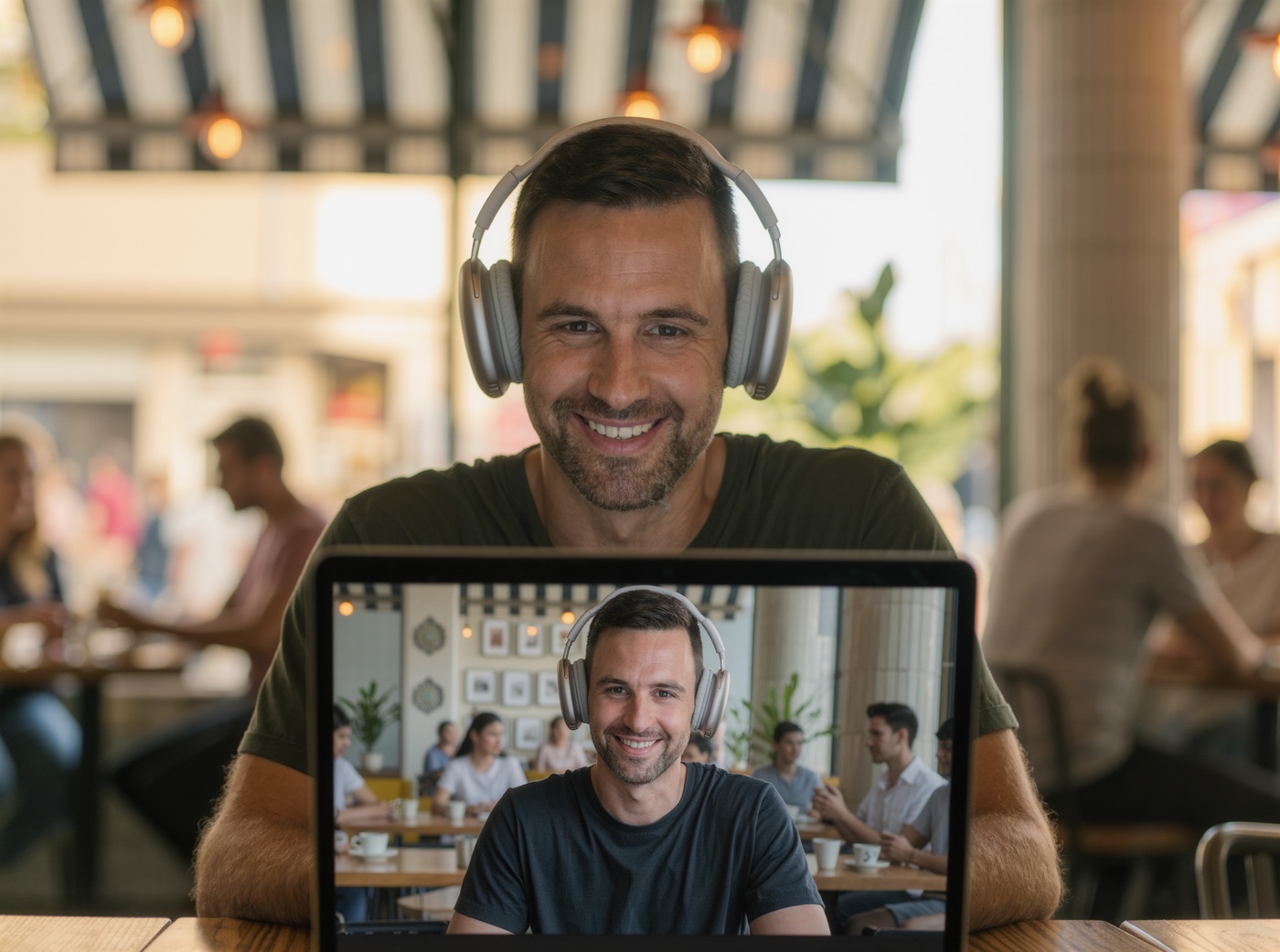
Before / after
Studio-quality calls – wherever you are.
Before
Mute, apologize, repeat
Leaf blowers outside, kids in the hallway, keyboard clatter: you keep muting yourself and miss the moment you wanted to speak.
With the tool
Just talk
Krisp removes noise and echo live, before it reaches the call. It can also filter the noise coming from other participants.
What it looks like
What actually reaches the call
Krisp works as a virtual microphone and speaker. Pick “Krisp” once in Zoom, Teams or Meet – done.
Your voice + dog + construction + keyboard + coffee machine
What others hearYour voice.

Who it’s for
For anyone who’s on calls a lot – and rarely somewhere quiet.
A great fit if you …
- take calls from home, cafés, trains or open offices,
- have many client or team calls each week,
- need notes after every call,
- use a headset or your laptop mic.
Probably not if you …
- rarely join calls,
- already have a studio mic in a quiet room,
- work for a company that doesn’t allow tools like this.
What it does
What Krisp does day to day
- Noise cancellation – background noise, voices and echo removed, both ways.
- AI notes – transcript, summary and action items with no bot in the call.
- 16 languages – transcripts and summaries in 16 languages, according to the vendor.
- Accent conversion – makes accented English easier to follow (limited by plan).
- Any call app – Zoom, Teams, Google Meet, Slack, Webex and anything with a mic setting.
Ad · 7 days, all features, no credit card · affiliate link, no extra cost to you
Pricing
Try it first, then save with annual billing
Trial
$07 days
All features, unlimited, no credit card. There’s no permanent free plan anymore.
Core
$8per month billed annually · $16 monthly
Unlimited noise cancellation and AI notes, including in-person meetings.
Try Core AdAdvanced
$15per month billed annually · $30 monthly
More storage and more hours of accent conversion – for heavy callers.
Prices in USD per user plus tax, per krisp.ai/pricing as of October 27, 2026. Enterprise on request.
Ad · 7 days, all features, no credit card · affiliate link, no extra cost to you
Up and running in 3 steps
- 01
Install the app
Download Krisp for Mac or Windows and start the 7-day free trial.
- 02
Select Krisp as your mic
In Zoom, Teams or Meet, choose “Krisp Microphone” and “Krisp Speaker” once.
- 03
Take calls for a week
Ideally somewhere noisy. Then you’ll know if Core is worth it.
FAQ
Is Krisp free?
There’s a 7-day trial with all features and no credit card. After that, Core costs $16 per month or $8 per month billed annually (as of October 2026).
Does Krisp join my meeting as a bot?
No. Krisp runs on your computer as a virtual microphone and speaker. No extra participant shows up in the call.
Which apps does Krisp work with?
Practically any app where you can choose a microphone, such as Zoom, Microsoft Teams, Google Meet, Slack and Webex.
Does Krisp work in other languages?
Noise cancellation works with any language because it only removes noise. Transcripts and summaries are available in 16 languages, according to the vendor.
Who makes Krisp?
Krisp Technologies, based in Berkeley, California, founded in 2017.

Luigi Lugmayr – founder of I4U, in marketing and digital since the 90s, most recently CMO for seven years. I feature AI tools that save time in everyday work. I check features and pricing directly with each vendor. This is an overview, not a long-term test.
Sources: krisp.ai/pricing (retrieved Oct 27, 2026), krisp.ai
Try it on your next noisy call.
Try Krisp free for 7 daysAd · 7 days, all features, no credit card · affiliate link, no extra cost to you